
How to Get Your Music on Spotify Playlists: A Step-by-Step Guide
Spotify playlists can help independent artists reach listeners through editorial selections, personalized recommendations and fan-made collections. There is no guaranteed placement, but a well-prepared release gives Spotify and potential listeners clearer signals. This guide covers the steps you can control before and after release.
Why Spotify Playlists Matter
Spotify uses several playlist types, including editorial playlists selected by Spotify teams, personalized playlists such as Release Radar and Discover Weekly, and playlists created by listeners. Each serves a different discovery path:
- Editorial discovery: Eligible unreleased music can be pitched through Spotify for Artists.
- Personalized discovery: Listener behavior and release activity can influence algorithmic recommendations.
- Listener curation: Relevant fan-made playlists can create additional discovery over time.
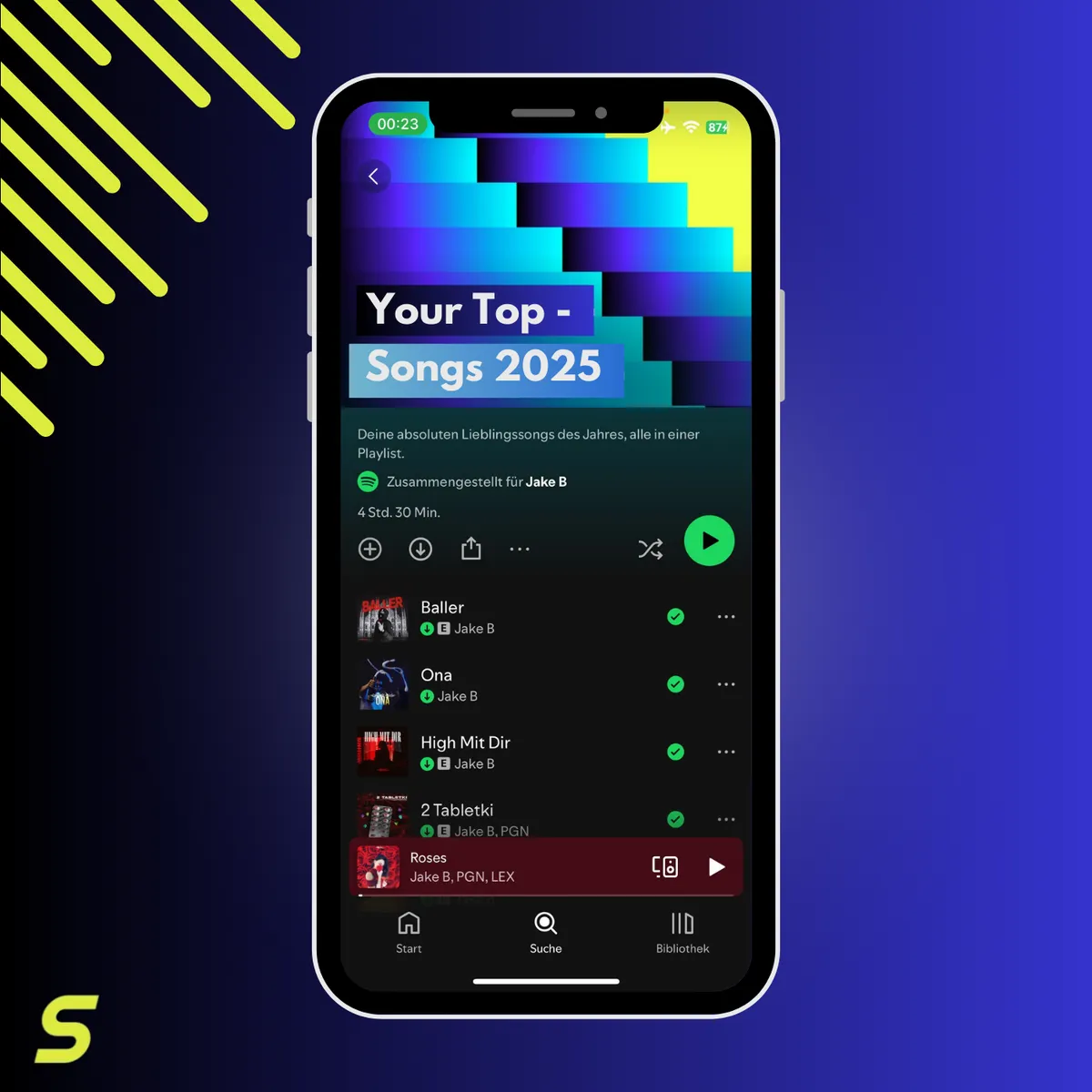
Step 1 – Finish the Track and Release Assets
Before delivery, prepare the material that stores and listeners will see:
- Final audio: Use the approved mix and master rather than a temporary export.
- Accurate metadata: Check artist names, featured artists, writers, identifiers and release date.
- Consistent artwork: Use high-resolution square cover artwork that matches the release.
Deliver your track with SoundBlast early enough for store processing and playlist preparation. Store timelines vary, so avoid relying on a last-minute upload.
Step 2 – Complete Your Spotify for Artists Profile
Claim and review your Spotify for Artists profile before the campaign starts:
- Confirm access: Sign in at artists.spotify.com and make sure the correct team can manage the profile.
- Update your profile: Add a clear bio, current images and relevant social links.
- Check the upcoming release: Confirm that the delivered track appears under Upcoming before you plan the pitch.
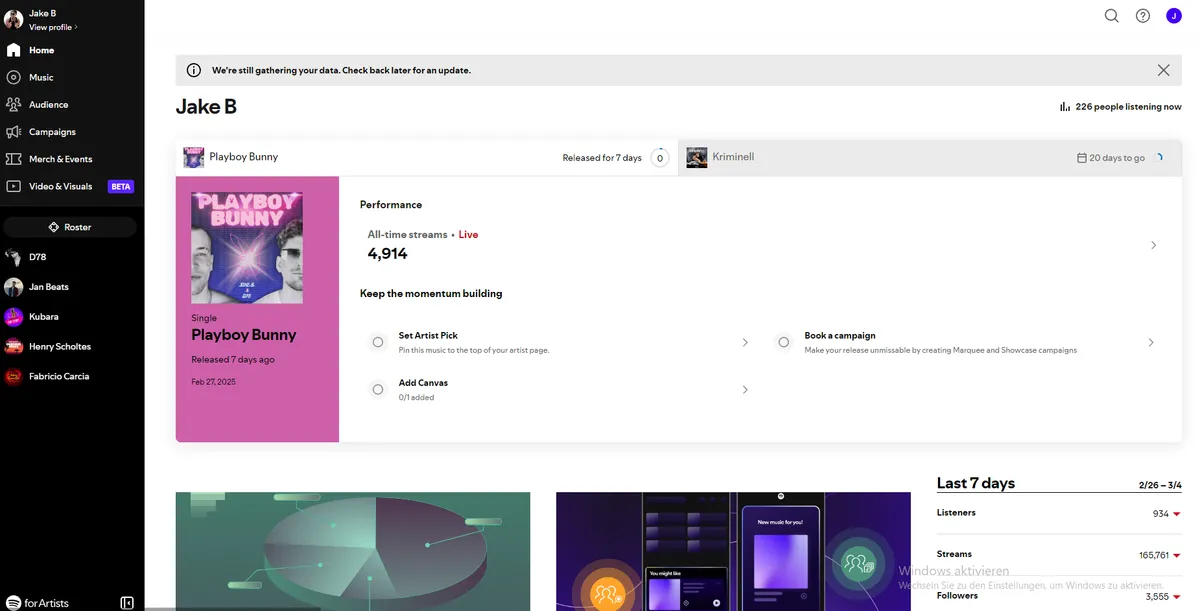
Step 3 – Pitch an Unreleased Song
Spotify lets eligible teams pitch one upcoming, unreleased song at a time through Spotify for Artists:
- Submit at least seven days before release. Spotify states that doing so gives editors time to listen and adds the pitched song to followers’ Release Radar.
- Open Music, then Upcoming, choose the eligible song and complete the pitch form.
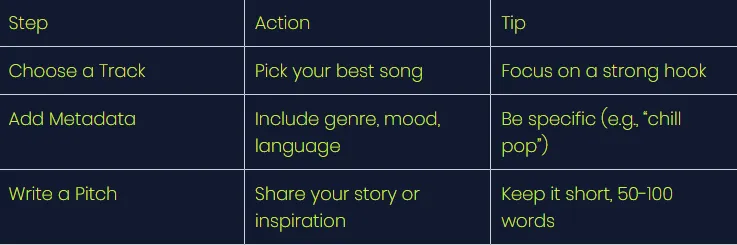
- Describe the genre, mood, story, collaborators and release plan accurately. More useful context helps editors understand where the track fits.
Pitching does not guarantee editorial placement, and a released song can no longer be submitted through the editorial pitch tool.
Pitching Checklist
Step 4 – Support Personalized Discovery
A playlist strategy should continue after the editorial pitch:
- Send interested fans to the correct track or release page.
- Encourage genuine follows, saves and repeat listening without offering incentives or using artificial streams.
- Review Spotify for Artists data to understand which songs, audiences and playlists drive meaningful listening.
Step 5 – Research Relevant Listener Playlists
Fan-made playlists can be useful when the music genuinely matches their audience:
- Search by specific genre, mood, location and comparable artists instead of only broad terms.
- Check whether the playlist is active, coherent and connected to a real curator.
- Send a short, personal pitch with one clear listening link. Never pay for guaranteed placement or artificial streams.
Build a Repeatable Release Process
- Use a smartlink to give listeners a choice of platforms; compare options in our free smartlink tools guide.
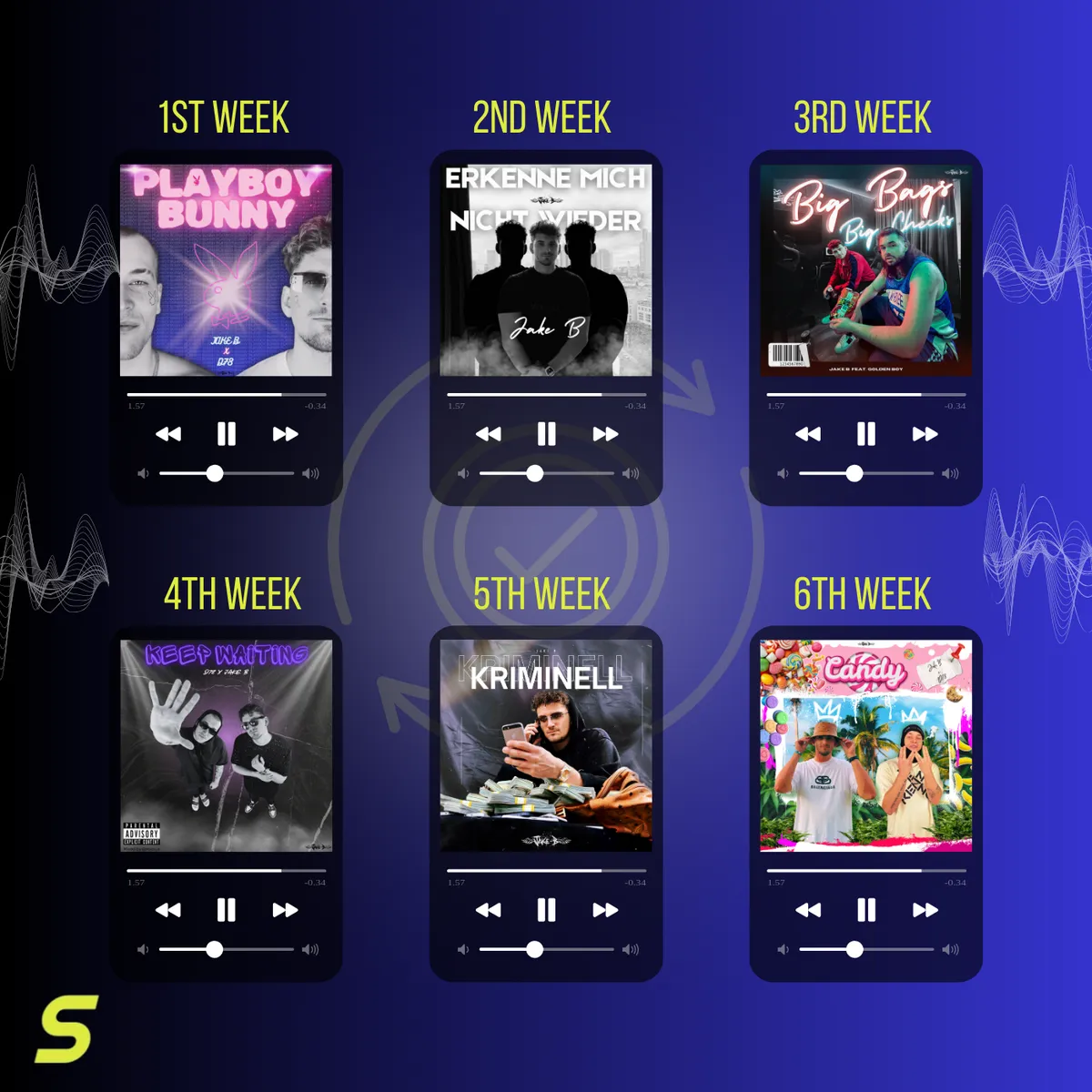
- Keep the release URL, artwork, pitch notes and campaign links together so the next launch is easier to prepare.
- Revisit performance after release and use real listener behavior to improve the next campaign.
For the current eligibility rules and interface, use Spotify’s official playlist pitching guide.
Conclusion
Getting music onto Spotify playlists is a process, not a guaranteed shortcut. Prepare the release early, make the artist profile complete, submit an accurate editorial pitch and support the track with genuine listener activity. SoundBlast can deliver approved releases to Spotify as part of its 40+ store network.