
Free Smartlinks for Music Promotion
Your fans do not all use the same music service. A music smartlink gives you one release page to share, so each listener can choose where to play your song or album.
SoundBlast now includes free, automatically generated smartlinks powered by Feature.fm in Standard Access, its free music distribution plan. Start with that included option, then compare standalone tools if your campaign needs something different.
Why Use a Music Smartlink?
Distribution puts approved music into stores. A smartlink helps listeners find it afterwards. Instead of sharing a different URL for every service, use one link in your social bio, release posts, video descriptions and messages.
A release smartlink and an artist bio page solve slightly different problems. The first focuses on one song or album; the second can also collect your website, shows, merch and social profiles.
1. SoundBlast smartlinks, powered by Feature.fm
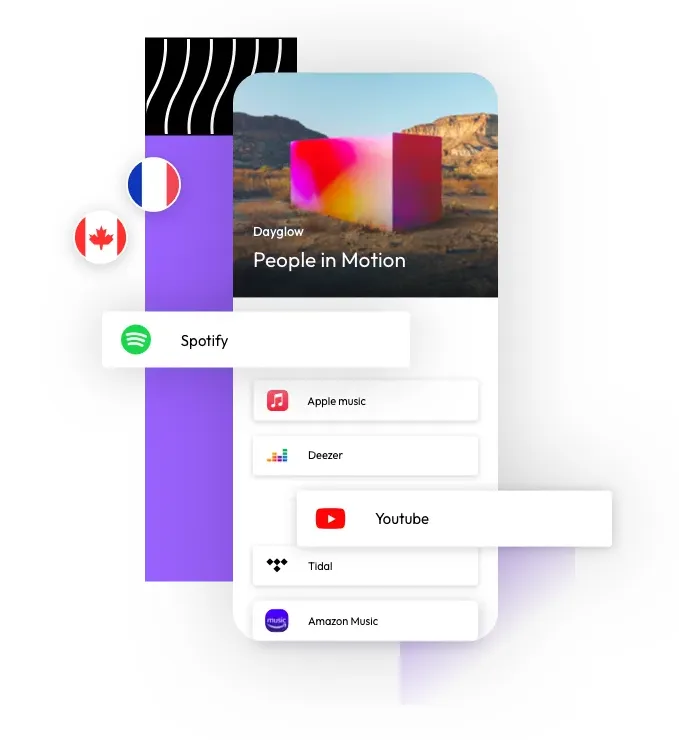
SoundBlast provides free, auto-generated smartlinks through Feature.fm as part of Standard Access. That connects music distribution and release sharing in one plan: deliver your music to 40+ stores, then share a link that lets fans choose their preferred listening service.
Standard Access has no annual subscription fee, includes unlimited releases and lets artists keep 70% of reported royalties. The smartlinks are included in the free plan. Explore SoundBlast music distribution if you want both distribution and a link for promoting your release.
Feature.fm supplies the smartlink technology. Its release-link overview explains how music landing pages bring listening destinations together. Artists using another distributor can also review Feature.fm directly; standalone account features and pricing are separate from the smartlinks included with SoundBlast.
2. Linktree
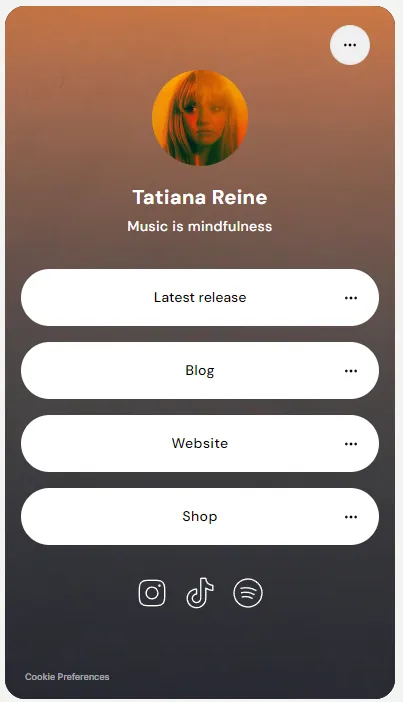
An artist link in bio can hold more than a single release. Linktree offers a free plan with basic links, making it an option for collecting your music, website and social profiles in one place. Check its current plan details for design, analytics and routing features.
3. MusicJet
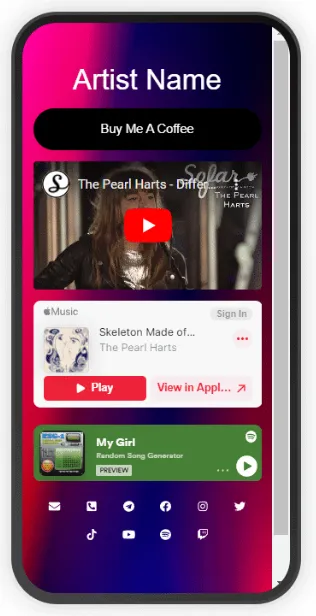
MusicJet offers music-focused bio pages for streaming, social and other artist links. It advertises free and premium plans. Compare the limits of the plan you choose, especially if you manage multiple artists or need particular reporting and customization features.
4. Soundplate Clicks
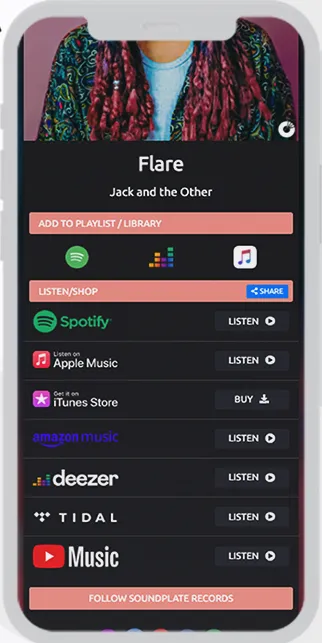
Soundplate Clicks provides music smartlinks and additional campaign tools. Its site offers a free starting option alongside paid features. Check the current plan before relying on artist pages, detailed reporting or other campaign extras.
A free release link is not the same as a full marketing subscription. If you need pre-save campaigns, custom domains, tracking pixels or advanced analytics, check the exact features of the plan you choose rather than assuming everything is included.
Step 1 – Check Every Listening Destination
Before posting a smartlink, open it on your phone and test the available store buttons. Confirm that they lead to the correct artist and release. A smartlink cannot make music available in a store before that store has processed the delivery.
Step 2 – Give the Link a Clear Job
Use the release link in a post about that song, a video description or a direct message. Keep your call to action specific, such as “Listen to the new single.” An artist bio page can hold the broader catalog and other links without distracting from that release.
Step 3 – Learn from the Response
Use whichever reporting your chosen service actually provides, alongside your music-platform data. A link click is not the same as a completed stream. Keep notes on the posts and audiences that respond, then use them to plan your next campaign.
Conclusion
Start with the tool that fits your release workflow. With SoundBlast Standard Access, free auto-generated smartlinks powered by Feature.fm are already included alongside music distribution. Share the link, check the destinations and keep the message focused on your music.